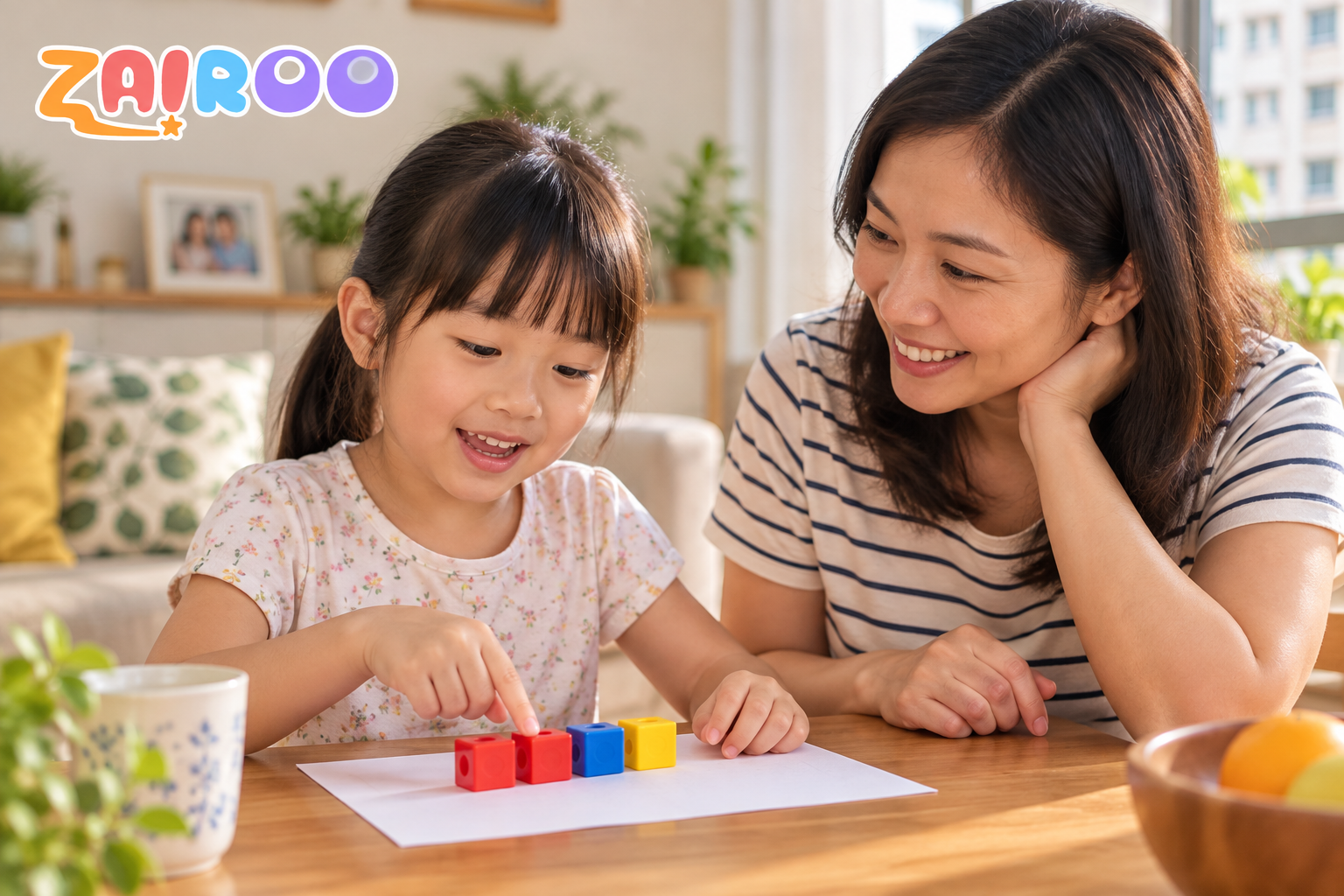
For a Primary 1 or Primary 2 child in Singapore, support maths through short conversations, concrete examples and a chance to explain a method. MOE has removed weighted assessments and examinations at these levels, so home practice need not be framed as last-minute exam revision.
October can feel like exam season even in homes with younger children. A P1 or P2 child, however, needs a different conversation from an older child preparing for a school paper.
Singapore Ministry of Education says weighted assessments and examinations for P1 and P2 were removed. That does not mean maths learning can be ignored. It means parents can focus on understanding without turning every practice session into a mock test.
Use objects before rules
For an addition or subtraction idea, start with counters, snacks or a simple drawing. Ask the child to show what changed. The object is not a crutch; it makes an abstract relationship visible while the language is still new.
After the child can show it, ask them to explain it without moving the objects. Then try a similar small example. The explanation is often a better signal than speed.
Make practice short and specific
Choose one idea at a time, such as making ten or comparing two quantities. If a child hesitates, ask what they notice rather than saying 'You should know this by now.' A few thoughtful questions can reveal more than an entire page completed with help.
School feedback still matters. Use the teacher's comments to choose a topic, but avoid turning an informal learning check into a high-stakes label at home.
Let the child own the next step
A useful home prompt is, 'Can you show me another way?' It invites the child to think, not merely repeat a procedure. Praise the explanation, the correction and the willingness to try again.
If you want a digital practice option, try one guided maths question with Zairoo and keep the session at a level your child can engage with. There is no need to borrow exam-week urgency from an older sibling.
Primary 1 starting example: make ten
For 8 + 5, give the child eight counters and five more. Move two from the group of five to make ten; three remain. So 8 + 5 = 10 + 3 = 13. Ask the child to explain the same idea with a drawing, then try 7 + 5: use three to make ten and add the remaining two to get 12. Continue with the Primary 1 addition and subtraction guide.
Primary 2 next step: regroup across zero
The Primary 2 addition and subtraction guide moves into three-digit calculations. For 604 − 278, the zero tens mean the exchange must travel through the hundreds and tens places. Rename 604 as 5 hundreds, 9 tens and 14 ones. Then 14 − 8 = 6 ones, 9 − 7 = 2 tens and 5 − 2 = 3 hundreds: the answer is 326. Check by addition: 326 + 278 = 604.
Ask what each exchanged unit represents before doing a new example. For 503 − 176, rename 503 as 4 hundreds, 9 tens and 13 ones; the answer is 327. Check: 327 + 176 = 503. Use objects or a place-value drawing if exchanging across the zero is unclear. These are options to match an observed need, not a requirement that every P1 child attempt a P2 calculation.
Exact questions parents can ask
"How many more does 8 need to make 10?"
"What is left from the group of 5?"
"Can you show the same idea another way?"
Example and source notes
The original examples are matched to the linked Primary 1 and Primary 2 guides. The MOE syllabus is the curriculum reference, while the separate MOE assessment-policy page supports the statement about weighted assessments and examinations. These examples are not official exam questions or evidence of a product outcome.
References and further reading
How Zairoo primary maths practice works
Explore the parent practice routine, topic selection and progress information.